Workspace | September 10, 2026
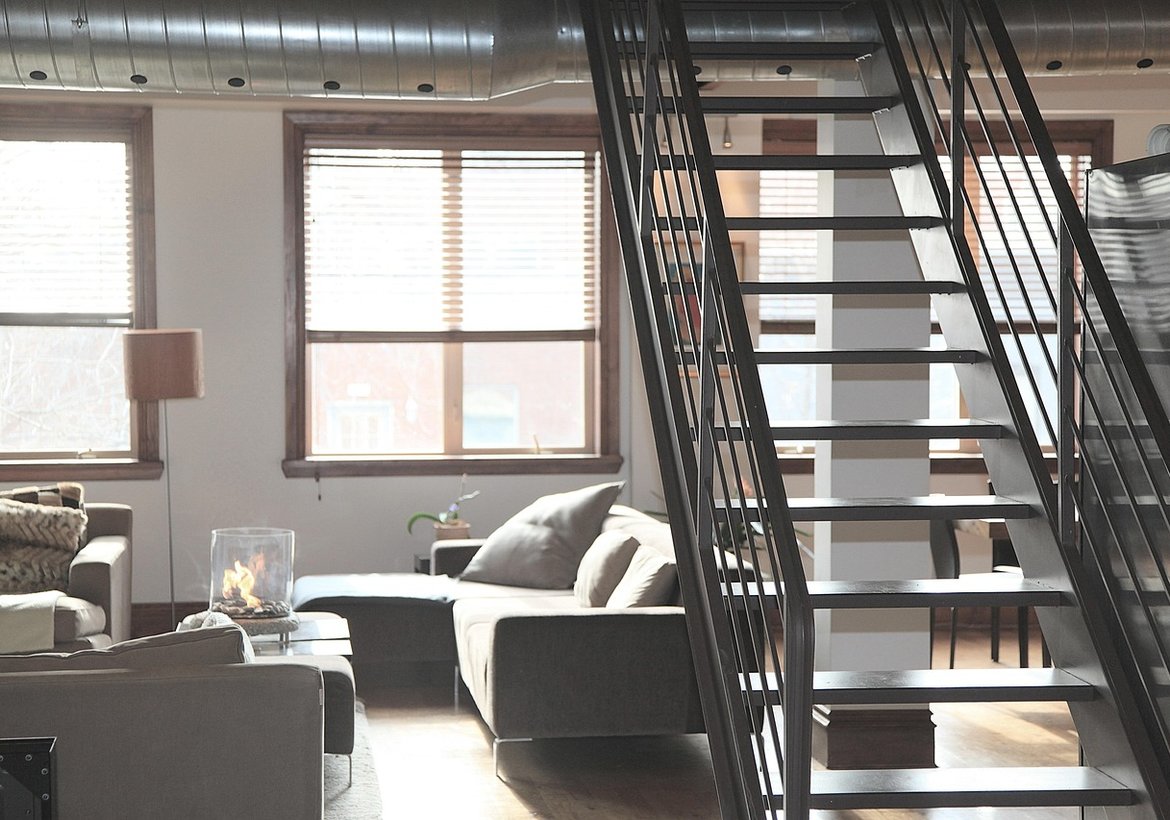
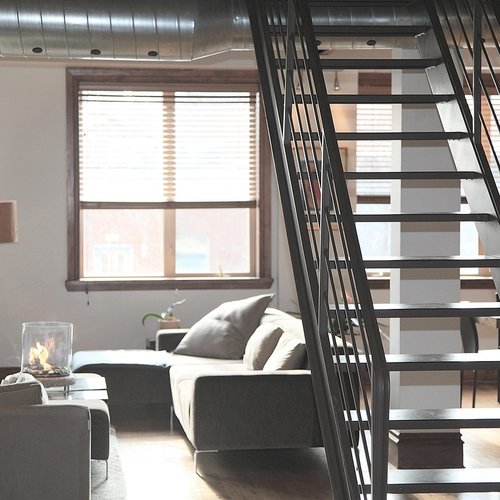
Working from a loft is a negotiation. The same openness that makes the space feel generous also means your desk is never truly separate from the kitchen, the living room, or whoever else is home. Video calls pick up the dishwasher. Afternoon sun glares off your monitor. The router is on the other side of the apartment and the Wi-Fi drops every time you open the microwave. None of these problems are unsolvable, but they do require you to think about the office as a system rather than just a desk and a chair. Here is how to build a setup that holds up to a full workday in an open plan.
Position, Acoustics, and Light
Start with position. The best desk location in a loft is usually against a solid wall rather than in the middle of the floor, because a wall behind you gives you something to push your chair against and, more importantly, gives you a surface to treat acoustically. Avoid placing the desk directly under the mezzanine if you can, since that creates a low ceiling that feels oppressive and traps noise. If you have a window, put the desk perpendicular to it rather than facing it, so you get daylight without the glare and without a bright rectangle behind your head on camera.
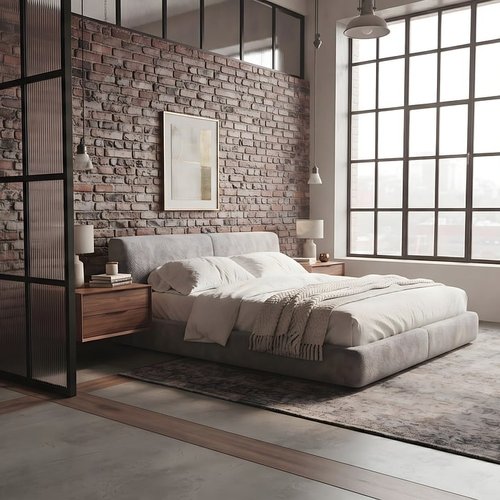
Acoustics are the make-or-break factor. A bare concrete and brick loft will make even a quiet voice sound hollow on a call, and it will pick up every ambient sound in the apartment. Treat the wall behind your monitor with a felt panel or a wood-slat acoustic panel. Add a rug under the desk chair. If you take a lot of calls, a directional USB microphone placed close to your mouth will reject far more room noise than the built-in mic on your laptop, and it costs less than most people expect. Headphones with a boom mic do the same job and keep your voice off the speakers entirely.
Light is the third pillar. Lofts often have big windows and high ceilings, which means light levels swing wildly through the day. A monitor hood or a matte screen helps with glare. A bias light behind the monitor reduces eye strain during evening work. And a warm desk lamp gives you a pool of light that signals to your brain, and to anyone else in the room, that this corner is a workspace.
Cables, Power, and a Reliable Network
An office generates more cables than any other zone in a loft: laptop power, monitor, dock, microphone, maybe a printer. In a space with no walls to hide them, the clutter becomes visual noise that makes it hard to focus. The fix is to consolidate. A single powered USB-C dock means one cable to your laptop instead of five. A cable tray mounted under the desk keeps the runs off the floor. A floor-mounted cable spine or a short length of paintable raceway takes the remaining cables down to an outlet cleanly.
Power is worth planning carefully. Lofts often have few outlets and they are rarely where you want them. A quality surge protector with a long cord, mounted to the underside of the desk, gives you outlets exactly where your devices are. If you are running a desktop tower, a monitor, and a dock, check the total wattage and avoid daisy-chaining cheap power strips.
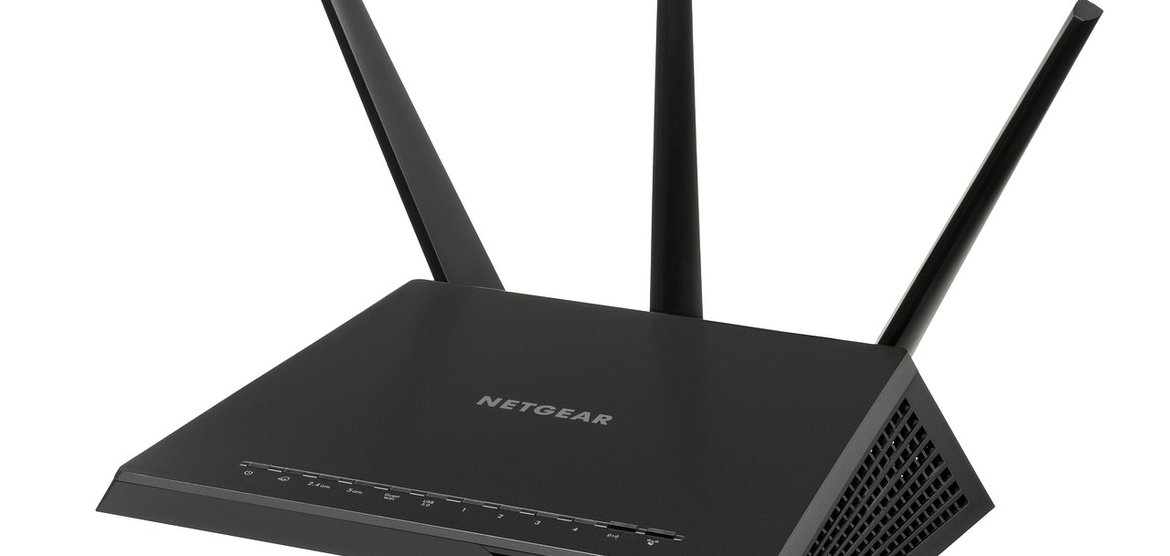
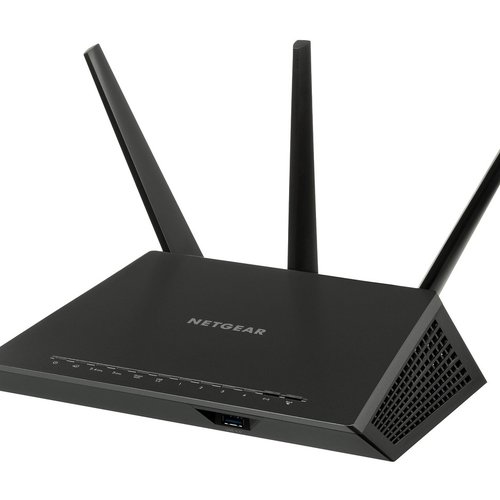
Finally, do not trust Wi-Fi for your work machine if you can avoid it. Run a single Ethernet cable from the router to the desk, even if it means a visible run along the baseboard or through a piece of conduit. Wired connections are immune to the interference that plagues lofts, where signals bounce off concrete and metal and compete with every neighbor's network. If a cable truly is impossible, a powerline adapter or a mesh node placed near the desk is the next best thing. Once the desk is wired, quiet, and lit, the loft stops feeling like a compromise and starts feeling like the best office you have ever had.































Sensors, speakers, and hubs that add convenience without cluttering your exposed-brick, open-plan space.
Alice Rose
Sep 25, 2026 at 3:12 pm